
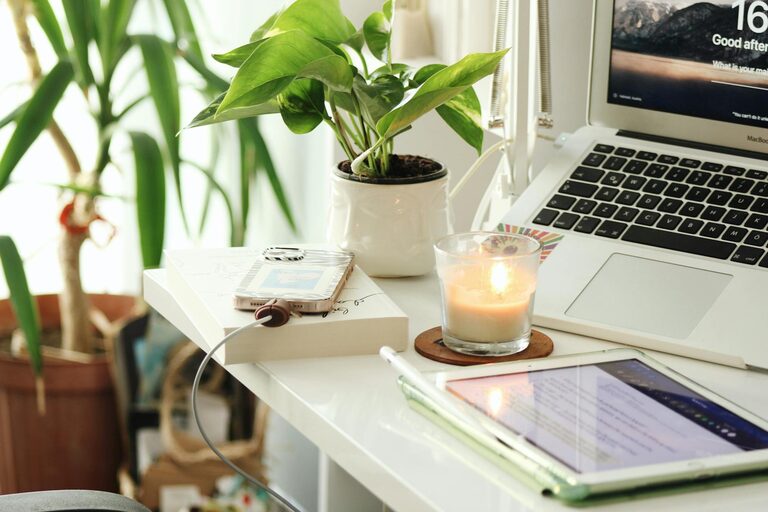
Creating a productive home workspace is key to maintaining focus, comfort, and efficiency while working remotely or handling tasks at home. Whether you have a dedicated room or just a corner, setting up your environment thoughtfully can improve your workflow and well-being. Here are some helpful tips to create a home workspace that works for you.
Choose the Right Location
Find a Quiet Spot
Select an area in your home that is quiet and free from distractions as much as possible. Avoid places with high foot traffic or noisy appliances. If you don’t have an extra room, a corner in your living room or bedroom can work well when organized correctly.
Consider Natural Light
Whenever possible, set up your workspace near a window to take advantage of natural light. It helps reduce eye strain and boosts mood and alertness.
Invest in Ergonomic Furniture
Supportive Chair
A comfortable, ergonomic chair that supports your back and encourages good posture is essential. Avoid sitting on couches or beds for long hours, as poor posture can lead to discomfort and decreased productivity.
Proper Desk Height
Your desk height should allow you to keep your wrists straight while typing and your feet flat on the floor. Adjustable desks can be a great investment, as they allow you to switch between sitting and standing.
Minimize Clutter and Organize Effectively
Declutter Regularly
Keep only what you really need on your desk. Too many items can create visual distractions and reduce your ability to focus.
Use Storage Solutions
Use shelves, drawers, or organizers to store supplies and paperwork. Label boxes or files to make it easy to find what you need quickly.
Optimize Lighting
Use Task Lighting
In addition to natural light, add a desk lamp with adjustable brightness. This helps illuminate your workspace when natural light is insufficient, especially in the evenings.
Avoid Glare
Position your monitor perpendicular to windows or use blinds to reduce glare on your screen, which can cause eye fatigue.
Set Up Technology Thoughtfully
Reliable Internet Connection
A strong and stable internet connection is key for working from home effectively. If Wi-Fi signals are weak, consider upgrading your router or using a wired connection.
Proper Monitor Placement
Keep your monitor about an arm’s length away, with the top of the screen at or slightly below eye level. This setup helps prevent neck and eye strain.
Organize Cables
Use cable organizers or clips to keep cords untangled and out of the way. A cleaner desk creates a more focused environment.
Maintain a Comfortable Temperature and Air Quality
Temperature Control
Make sure your workspace is at a comfortable temperature — not too hot or too cold — to avoid distraction.
Fresh Air
Good ventilation improves concentration and keeps you feeling refreshed. Consider opening a window or using an air purifier if needed.
Create a Routine to Separate Work and Personal Life
Set Work Hours
Define your start and end times, just like in a traditional office. This helps create boundaries and reduces the chance of work spilling over into personal time.
Take Regular Breaks
Avoid burnout by stepping away from your desk at regular intervals. Try stretching, walking around, or a quick snack to recharge.
Personalize Your Space
Add Inspiring Elements
Include plants, art, or photos that make your workspace enjoyable but not distracting. A pleasant environment can boost creativity and motivation.
Keep It Comfortable
Dress comfortably for your workday just as you would in an office. Having a cozy blanket or slippers nearby can make long hours easier to manage.
Final Thoughts
Designing a productive home workspace doesn’t require a large budget or abundance of space. Small changes like reducing clutter, improving lighting, investing in ergonomic furniture, and setting clear boundaries can make a big difference. By tailoring your environment to fit your needs, you’ll create a space where focus and productivity come naturally.
Remember, the goal is to build a workspace that supports your work style and keeps you comfortable throughout the day. Experiment with these tips and adjust them as necessary until you find the perfect balance. Happy working!